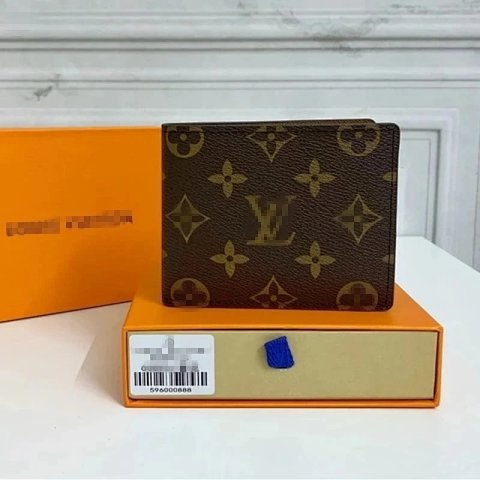
FINDS ATLAS / A directory for the curious
Joyagoo Spreadsheet
Find your next piece. Browse real product references, compare details, and continue to Joyagoo when you are ready.
CategoriesAll finds ↗
Selected finds
The finds index
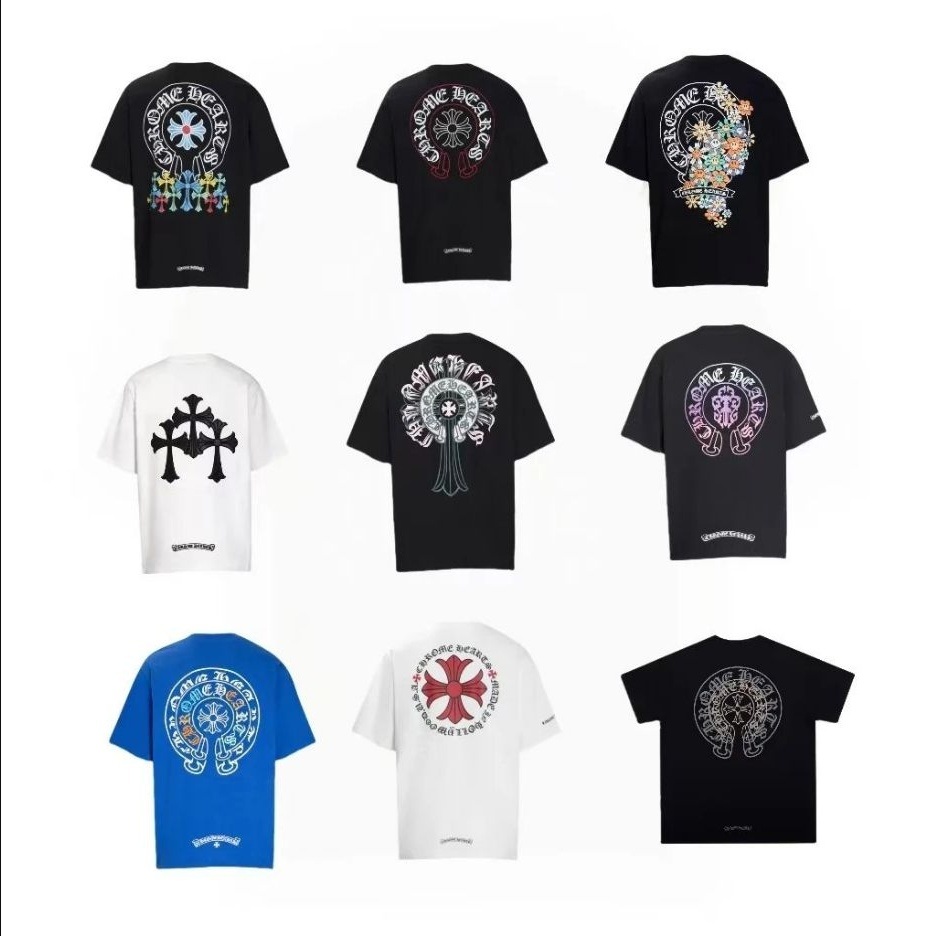
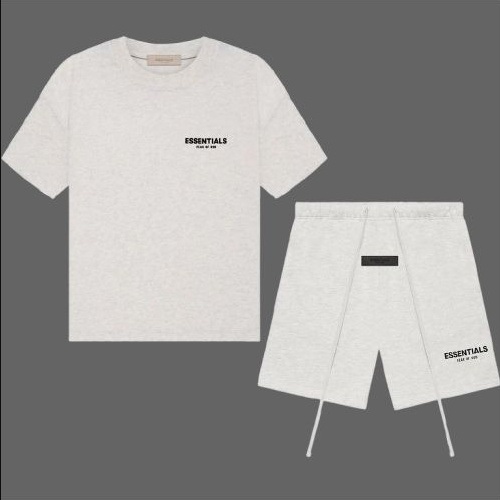
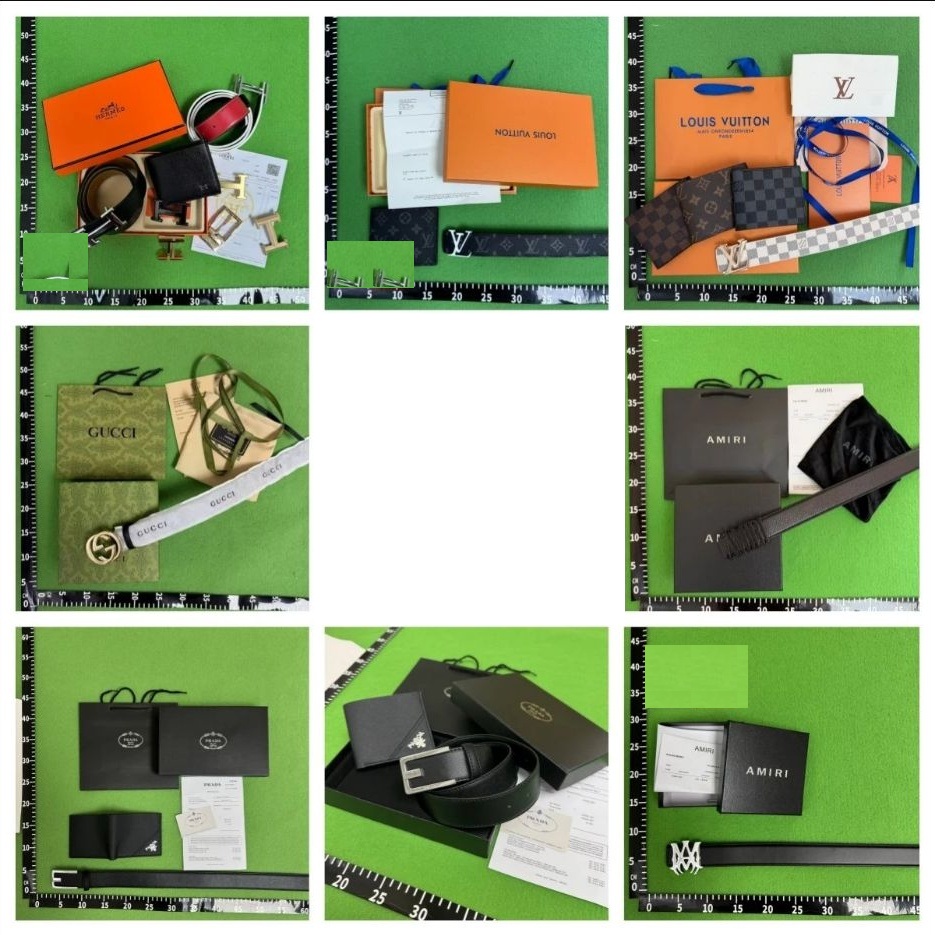



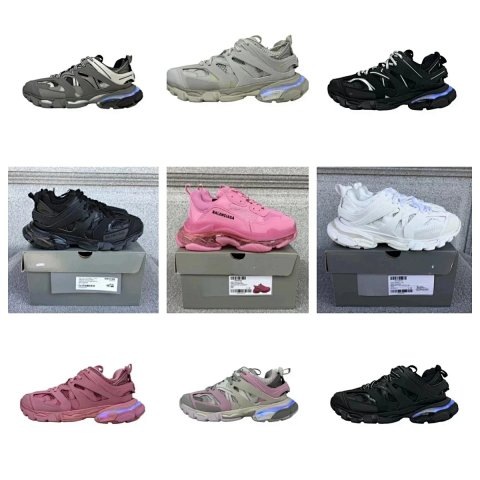
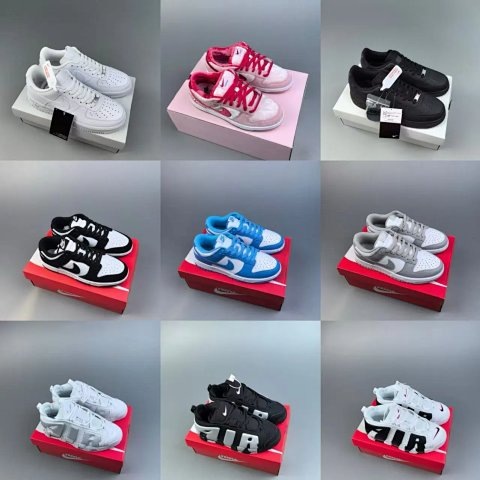
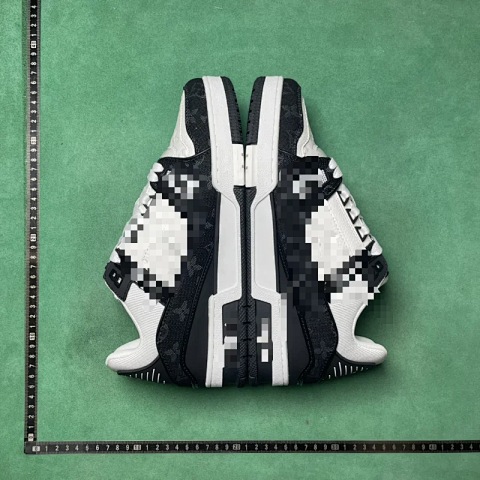


Reference item prices exclude shipping, service fees and taxes. Confirm the final amount on Joyagoo.
Currency conversion is indicative. Exchange-rate date: View all finds ↗
How to buy
Your first order, mapped out.
Eight practical checks from choosing an item to reviewing your parcel. Complete payments and shipping on Joyagoo.
How to buy ↗A few useful answers before you start browsing.
Know what you are comparing. ↗FAQ
What can I do on Joyagoo Finds Atlas?
Explore an independent product directory using KakobuyMake source listings. Open a product to inspect its details, then continue to Joyagoo to buy. Finds Atlas does not take payments or fulfil orders. Registration and purchase links contain referral parameters and may earn us a commission.
How do I see more than the 12 homepage products?
Choose one of the 10 categories to open its full listing. Use the category’s sorting and page controls to browse more products; each page shows up to 50 items. The homepage is a small selection, and sorting follows the source directory’s available options.
How do I check that the purchase link opens the right item?
Compare the Weidian item ID on the detail page with the id value in the Joyagoo product link, then check the pictures and description. The example item ID is 7872831715. A Finds Atlas page number is a separate directory identifier, not the seller’s item ID.
Are seller photos, QC references and my order’s QC the same?
No. The top gallery contains available original Weidian seller photos; the separate QC section contains source-directory reference images. Neither is a QC report for your purchase. After warehouse arrival, inspect your own order’s actual photos on Joyagoo; batches, colours and sizes may differ.
Does the displayed price include shipping and all fees?
It is an item-price reference, not a checkout total. Domestic delivery, international shipping, packaging, optional services and applicable taxes may be additional. Source updates, selected variants and conversion can change the amount. Check the item-payment breakdown and later parcel quote on Joyagoo separately.
How do the 24 languages and 46 currencies work?
Language changes the directory text; currency changes reference-price display independently. Choose either from the header menus and search currencies by code or name. Rates are daily references with a displayed date; unavailable rates cannot be selected. These 46 display currencies are not a promise of 46 payment currencies on Joyagoo.
Where do I select size, colour and quantity?
Open the product detail, then use the Joyagoo purchase button to select the seller’s current options. Compare measurements with the seller’s chart and confirm the chosen variant before paying. Options differ by product: a backpack’s packaging option is not a clothing size.
What if an image is missing or the listing has changed?
Retry the page and use the original-listing link to check the source. Seller galleries and QC references can be unavailable independently; missing seller photos are not replaced with QC images. If stock, options or price differ, confirm the current Joyagoo listing before ordering.
Where are my saved products kept?
The bookmark button stores finds only in this browser. Open Saved to revisit them on the same browser; another device will not share the list. Clearing browser data can remove it. Saving does not reserve stock, create an order or add anything to your Joyagoo account.
How do I go from browsing to an order and delivery?
The illustrated buying guide covers registration, item checks, options, first payment, warehouse QC, shipping estimates and parcels. Its entry screens and empty-account examples show where to click. Your actual payments, QC, parcel status and support requests belong in your own Joyagoo account; this directory cannot modify an order.